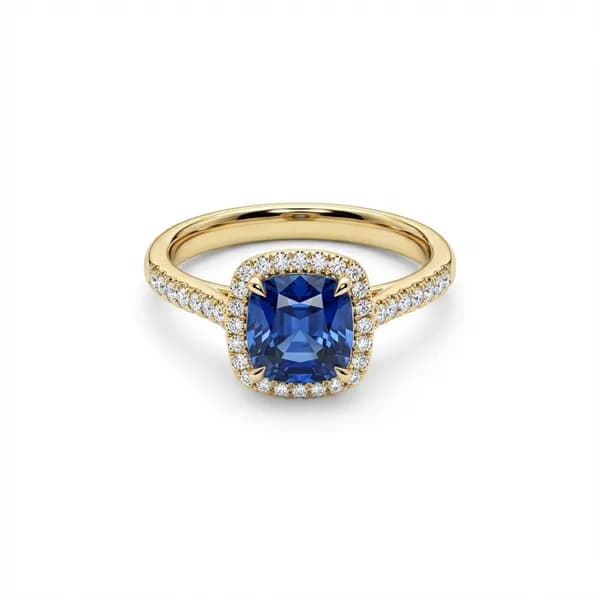
Retouching first

NEW

One raw jewelry photo becomes catalog, scenes, model shots, or video.

Upload the photo you have. Jewels Retouch cleans and preserves the piece first, then the same upload can become an Instagram-style scene, a model-worn image, or a short AI ad.

Before
After

Before

After

№ 01 — AI Jewelry Retouching · Catalog, Scenes, Model, Video

Retouch once. Sell everywhere.

One raw jewelry photo becomes a polished catalog image, an Instagram-style scene, a model-worn shot, or a 5-second ad video.

Start with the AI drift problems jewelers notice first: prong count, stone layout, engravings, metal tone, and correct model-worn proportions. The source piece stays the design authority across catalog photos, editorial scenes, True-Scale Placement on models, and short social videos.

Watermarked first previews let you inspect the design, scale, and placement before spending a credit.

Catalog first. Social, model, and video the moment you need them.

No subscription · No-Expiry Credits™ 3 free previews + 1 HD download · no card Eligible paid result? Choose a self-serve make-good

Turn the same upload into video

No credit card required · No subscription · Pay only for results you love · Credits never expire

Secure checkoutNo card to tryFailed-credit restore

Designed for sellers in

the United States

Pro is $179.99 for 200 watermark-free HD downloads, with included first previews before you spend a credit (approximately $180).

Catalog-ready for

  • Etsy
  • Amazon
  • Shopify
  • eBay

Photos work on every marketplace — pure white backgrounds for catalog listings, lifestyle scenes for social ads. Pricing is in USD; local equivalents are approximate.

A major Jewels Retouch AI upgrade is now live

Your ratings and comments were clear: shape, scale, placement, shank proportions, clavicle position, and white backgrounds needed to be better.

Those comments became the upgrade list for this release. Customers called out shape changes, wrong shank proportions, jewelry shown too large on a model, earrings that were too big on the face, pendants that needed to sit higher on the clavicle, and white backgrounds that needed to be truly white. So this is not just a general quality update. It is a direct pass on the problems you scored and described: preserve the piece more accurately, keep model-worn jewelry in real-life proportions, place it on the right part of the body, and make catalog backgrounds cleaner.

01

You told us the jewelry shape changed.

The new AI is stricter about keeping the original outline, setting, shank length and width, stone layout, and visible design details from your upload.

02

You told us model-worn jewelry was too large.

Earrings should no longer take over the face, pendants should not become oversized in the frame, and rings should keep a more believable hand scale. Pendants and necklaces are now guided to sit where they belong on the neck and clavicle, with better angle, contact, and body-part alignment.

03

You told us catalog backgrounds must be exact.

White-background outputs were tuned for cleaner, more precise marketplace-style white instead of an almost-white or uneven background.

After retouching

One retouched jewelry photo, four useful outputs.

Catalog retouching is the foundation: clean background, polished surfaces, preserved design. From that HD result, create Instagram-style scenes, True-Scale Placement model shots, and 5-second ad videos.

Catalog Retouching

№ 01

Catalog Retouching

Clean white-background product photos with polished metal, enhanced stones, and marketplace-ready output.

Instagram Scenes

№ 02

Instagram Scenes

Editorial-style scenes with creative props, mood lighting, and on-brand storytelling.

Why Jewels Retouch

Jewelry-only AI

Not a generic background remover. Purpose-built for rings, earrings, necklaces, and bracelets — it understands metal reflections, gemstone facets, and fine chain.

No subscription, ever

One-time credit packs with No-Expiry Credits™. No subscription, no monthly fee, no auto-renew — buy once, use forever, however bursty your catalog work is.

Preview first, unlock what you love

Start free with 3 free previews + 1 HD download. After that, every credit pack includes credits plus up to the same number of watermarked first previews before you spend.

One upload → four outputs

A clear source can start a catalog retouch, an Instagram scene, a model-worn image, or a 5-second ad video. A worn source or reshoot may be needed when scale or hidden detail is not reliable, and every output needs review.

3 free previews + 1 HD download · no card
No subscription · No-Expiry Credits™
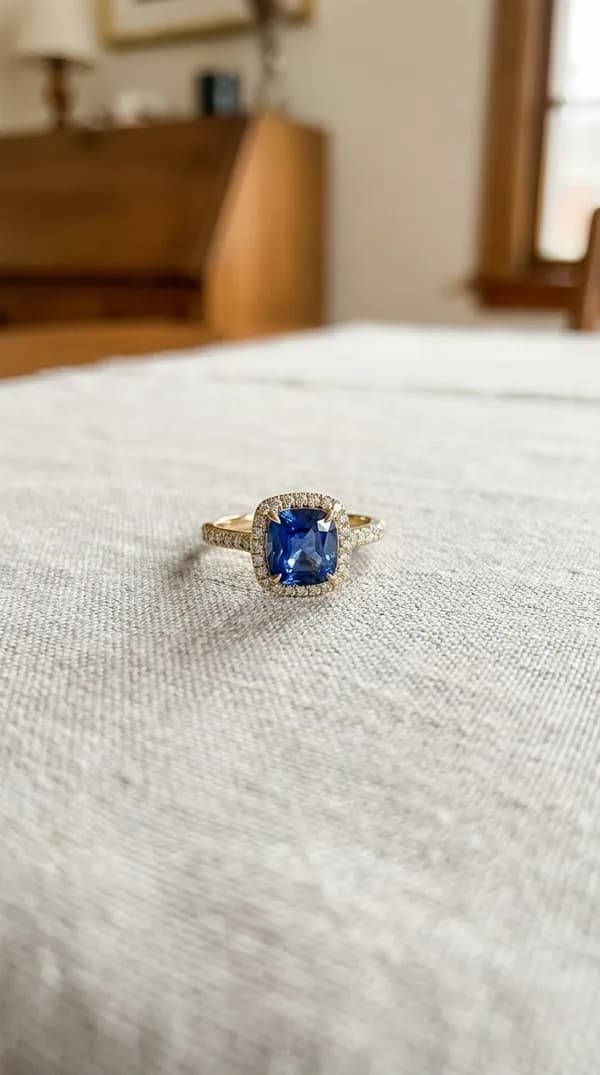
Eligible paid result? Choose a self-serve make-good

Try It Free — No Signup Required

Try the workflow free: start with 3 free previews + 1 HD download.

One-time packs for watermark-free HD downloads — no subscription

1 free preview + 1 HD download

$1.99

10 free previews + 10 HD downloads

$14.99

50 free previews + 50 HD downloads

$59.99

200 free previews + 200 HD downloads

$179.99

Not satisfied? Retry or get 1 credit back

Rate an eligible credit-paid standard photo 1–3 stars, then choose one retry credit or one returned credit. One make-good per result; fair-use account limits apply.

Review included first previews before you unlock HD.

Video

Pro · with sound

3 credits per clip

3 free previews + 1 HD download · no card

HD downloads + included previews·One-time packs — no subscription, no monthly charge·Credit-back guarantee
01

Upload

Your photo + reference style

02

Click

Request visible dust cleanup, metal and gemstone presentation changes, and background replacement; review every detail

03

Download

A reviewed standard photo result in about 60–90 seconds

Powerful AI Features

One-Click Retouching

Request visible dust cleanup, metal and gemstone presentation changes, and background replacement; review every detail

Style Reference Matching

Upload a reference image to match its lighting, background, composition, and catalog style.

Matches Your Brand Style

Upload one reference image and get consistent lighting, background, and composition across your entire catalog.

Color Variations

You can request additional metal- or stone-color versions. After the source result is unlocked, each edit uses 1 credit; editing a still-unpaid first preview uses 2 credits total to cover the source and edit. Generated color is illustrative and must be compared with the intended real material.

01Why Jewelry-Specific AI?

Understands Reflections

Built specifically for jewelry's unique challenges: metal reflections, gemstone facets, fine chain details.

Tri-tone pave diamond crossover ring

02Why Jewelry-Specific AI?

Preserves Stone Details

The new AI is stricter about keeping the original outline, setting, shank length and width, stone layout, and visible design details from your upload.

Close-up of earring gemstones

03Why Jewelry-Specific AI?

Matches Your Brand Style

Upload one reference image and get consistent lighting, background, and composition across your entire catalog.

Necklace in consistent catalog styling

04Why Jewelry-Specific AI?

Worn on a Model — No Photoshoot

Transfer your exact ring, earring, necklace, or bracelet onto a curated model reference with realistic body placement and worn scale — no studio booking required.

Necklace worn on model with natural body placement

Photos vs Instagram scenes vs Video

Three outputs from the same upload. Pick what your channel needs — or generate all three.

Catalog PhotosInstagram ScenesAI Video
OutputClean white-background stillEditorial scene with props & mood5-second cinematic clip
CostOutput Credits + Included first previews2 credits · compositionPro 3 credits
SoundVideo Pro
Aspect ratiosSquare, 4:5, 3:49:16, 1:1, 4:59:16, 16:9, 1:1, 3:4

Simple HD Download Pricing

Every pack pairs free previews with watermark-free HD downloads. One-time purchase, no subscription.

No subscriptionNo monthly chargeNo auto-renew

Upload Photo

Drop your jewelry photo

First Look

Watermarked result using an included first preview

Download HD

1 credit pays for one standard watermark-free HD download

Try Another Version

An ordinary additional version uses 1 credit; a 1–3 star eligible result can offer one make-good

Free

Free Trial

3 free previews + 1 HD download

$0

3 free previews + 1 HD download

  • 3 free previews
  • 1 HD download, no watermark
  • No credit card required
Try 3 Previews Free

Single Image

For one watermark-free HD download

1 free preview + 1 HD download

$1.99

One-time payment · no monthly charge

Inspect a watermarked first look before paying 1 credit for an HD download.

Not satisfied? Retry or get 1 credit back

Rate an eligible credit-paid standard photo 1–3 stars, then choose one retry credit or one returned credit. One make-good per result; fair-use account limits apply.

Retouch Your First Photo — Free
Recommended

Starter

For a small collection

10 free previews + 10 HD downloads

$14.99

One-time payment · no monthly charge

Inspect a watermarked first look before paying 1 credit for an HD download.

Not satisfied? Retry or get 1 credit back

Rate an eligible credit-paid standard photo 1–3 stars, then choose one retry credit or one returned credit. One make-good per result; fair-use account limits apply.

Retouch Your First Photo — Free

Growth

For catalogs and marketplaces

50 free previews + 50 HD downloads

$59.99

One-time payment · no monthly charge

Inspect a watermarked first look before paying 1 credit for an HD download.

Not satisfied? Retry or get 1 credit back

Rate an eligible credit-paid standard photo 1–3 stars, then choose one retry credit or one returned credit. One make-good per result; fair-use account limits apply.

Retouch Your First Photo — Free

Pro

For sustained high volume

200 free previews + 200 HD downloads

$179.99

One-time payment · no monthly charge

Inspect a watermarked first look before paying 1 credit for an HD download.

Not satisfied? Retry or get 1 credit back

Rate an eligible credit-paid standard photo 1–3 stars, then choose one retry credit or one returned credit. One make-good per result; fair-use account limits apply.

Retouch Your First Photo — Free
  • Jewelry-specific AI retouching
  • Preview-before-pay included
  • Watermarked first look before spend
  • Metal & stone color editing
  • Watermark-free HD downloads
  • Style reference matching
  • Commercial usage rights

Preview-before-pay included

Watermark-free HD downloads + included first-preview generations.

One-time purchase — no subscription, no monthly charge, credits never expire

Credits are the shared balance for photos, compositions, video, and upscale. For standard photos, 1 credit pays for 1 watermark-free HD download; every advanced control shows its exact cost.

Rate an eligible standard photo result 1–3 stars and choose its credit back or one retry credit. One make-good per result; lifetime account limits apply. Processing failures restore spent credits automatically.

Pay once. No subscription, no auto-renew, no monthly billing.

A standard HD download uses 1 credit. Compositions use 2; Pro video uses 3; advanced upscale may use 2.

Video pricing

Generate 5-second Pro cinematic clips from any jewelry photo. Pay per clip — same credits, no separate plan.

Video Pro

3 credits

1080p · with AI-generated audio

per 5-second clip

Cinematic · 9:16, 16:9, 1:1, 3:4

Generating a video from a still-unpaid watermarked photo preview adds +1 credit on top of the 3-credit Pro video.

Video uses the same one-time credits — no separate subscription.

Secure Lemon Squeezy checkout · one-time payment · no auto-renew

The unfair part

Buy once. Use forever.

One-time purchase · No subscription · No monthly charge · Credits never expire

Jewels Retouch · No subscription · No-Expiry Credits™

  • One-time purchase · zero auto-renew · zero recurring charges
  • Credits never expire — not in 30 days, not in 30 years
  • Buy when you need them, spend whenever you want
  • Yours forever — like owning a tool, not renting one

Preview First

Review a watermarked result before HD download. HD downloads, edits, and extra watermark-free versions use credits.

Auto-Refund Guarantee

If AI fails to produce a result, your credit is automatically refunded.

Secure & Private

Your photos are not made public or shared with advertisers. They are processed and stored through the service providers described in our Privacy Policy so you can generate and access results. See that policy for the current account controls and retention terms.

№ 03 — FAQ

FAQ

+ 17 more questions

Jewelry Photography Tips & Updates

Get expert tips on jewelry photography, retouching techniques, and exclusive offers.

No spam, ever. Unsubscribe anytime.

№ 04 — Start

One raw jewelry photo becomes catalog, scenes, model shots, or video.

Join jewelers worldwide using AI retouching for clean, consistent product photos.